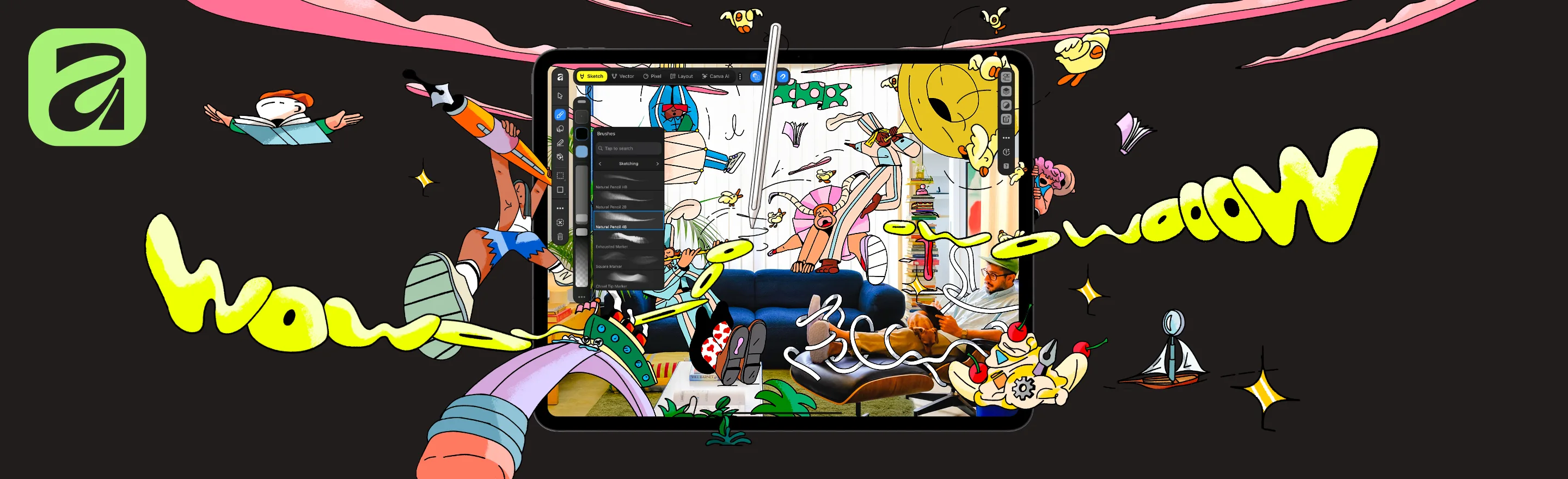
Canva announced Affinity for iPad on 3 November. The application combines sketching, vector drawing, pixel editing and page layout in one touch-first workspace. Canva says the core tools are free for individual users; Canva AI Studio requires a premium Canva plan.
The release keeps the work in a single .af file as it moves from a rough sketch to vector, photo and layout stages. Optional AI controls include Generative Expand, Generative Upscale, Motion Blur Reduction and Decompose Layer, with live controls for revising the result.
What it means for creative production
The useful change is not another one-shot generator. It is the attempt to preserve context and editability while a designer moves between drawing, image work and layout on the same device. That could make an iPad a more complete part of a professional design workflow rather than only a sketching or review surface.
A practical test should follow one real project through the full round trip. Check colour, typography, file exchange, layer structure, AI-output rights and performance on representative artwork, then reopen the file on the desktop workflow that will finish or deliver it. Canva’s announcement describes the product; Unreal Studio has not independently tested the release.
Primary sources
Canva / Affinity · Announced 3 November 2026 · Verified 4 November 2026.